My Login
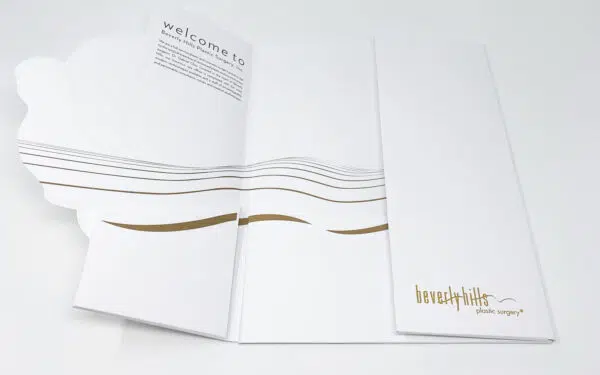
Presentation Folder Printing
Prepare professionally by customizing your presentation folder with pockets, gloss finish, inserts and more!
Presentation Folders Frequently Asked Questions
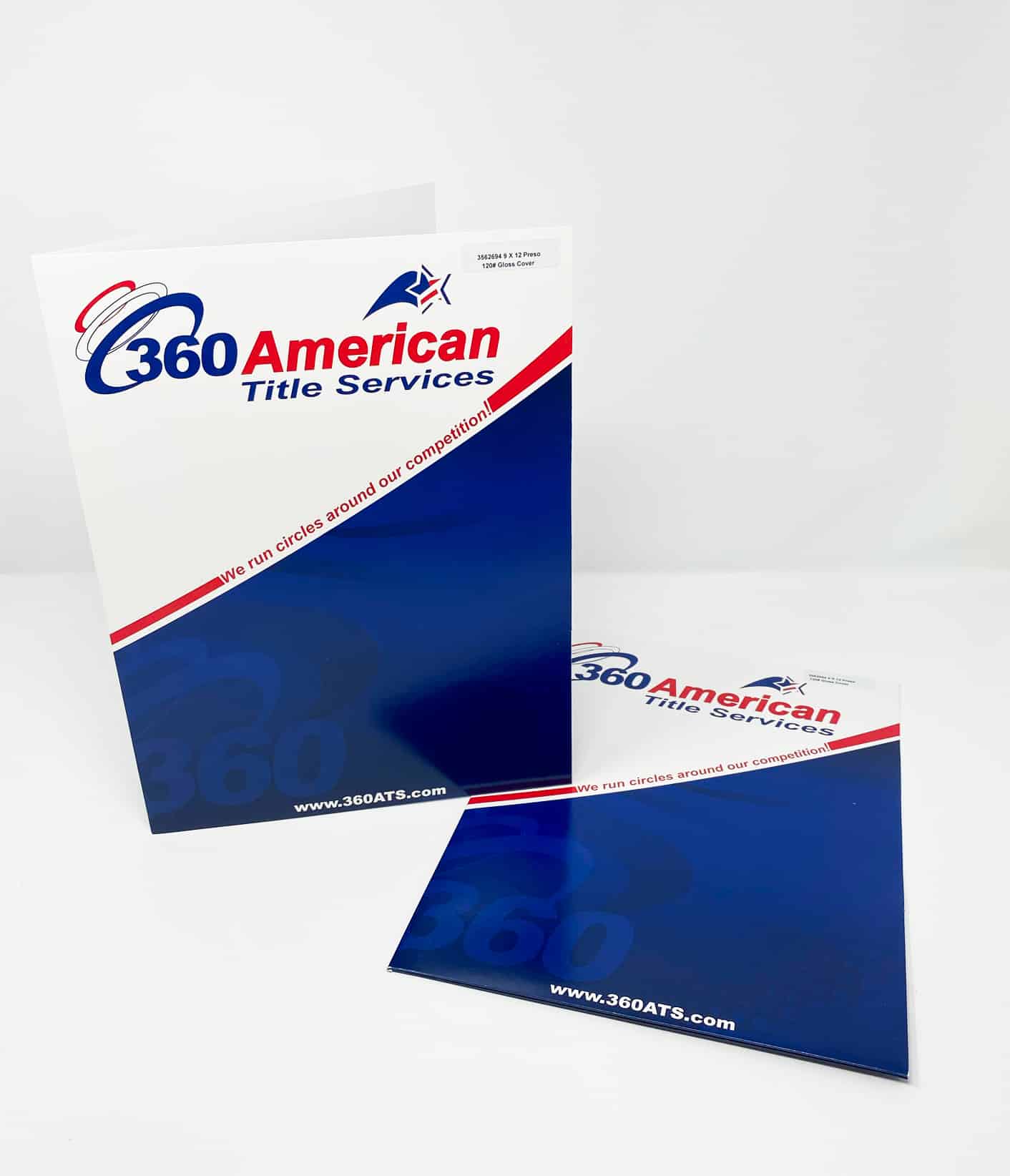
- Premium 9″ x 12″ folders printed on 120# Gloss Cover stock 14pt
- Full color on front or both sides, or black on back
- Your choice of pockets with or without horizontal or vertical business card slits
Options
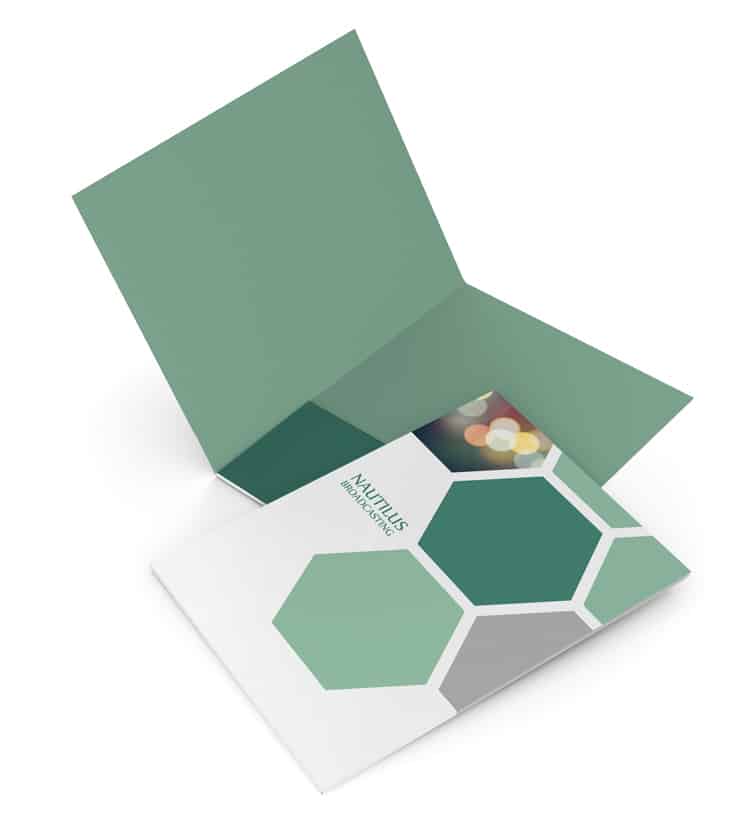
- 2 pocket, or 1 pocket
- Card and media slits
- Custom Presentation Folder Options
Find your options – Product Templates
Find your options – Talk to a Printing Expert
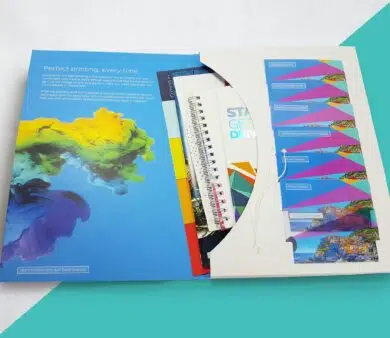
Free Samples
There is no substitute for seeing actual physical examples of what we can print.
Personalized Service, Every Step of the Way
At Printing for Less, we believe in the power of human connection—and we want every connection to count. That’s why we have real people ready to assist you with any questions you have to get your project started.

Custom Presentation Folder Printing Options
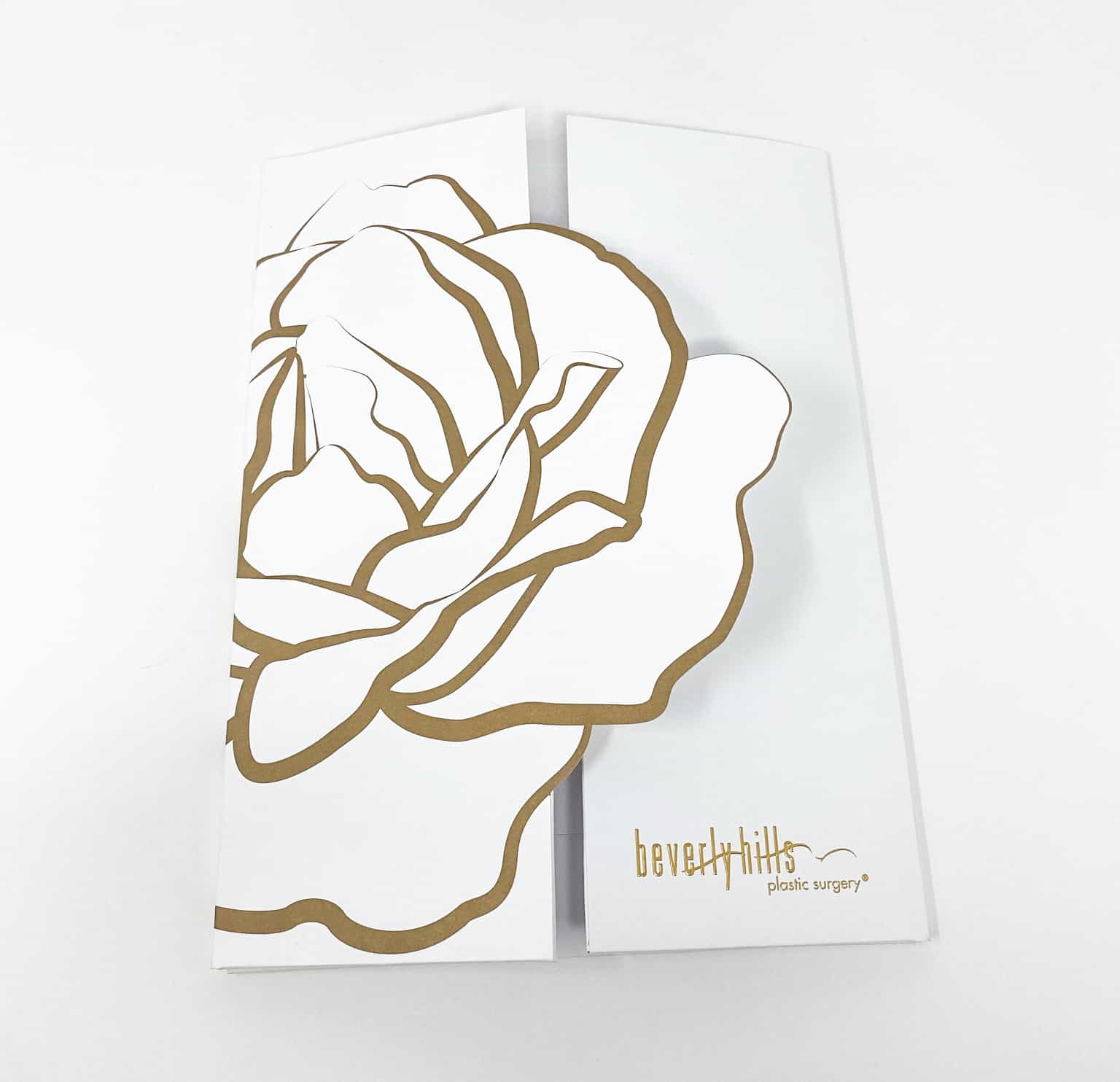
There are so many unexplored applications for custom folder printing that Printing for Less’s team of experts can help you create—ideas you’ve probably never even thought of! You’ll make your business look all that more important and impressive, while making organization easier, utilizing options like PMS spot colors, die cuts, foil stamping and embossing.
In today’s highly-competitive business environment, distinctly unique marketing materials enable you to stand apart from your competitors and pique the interest of current and potential customers. Printing for Less pioneered online print ordering for everyday marketing materials, and today more than half of our work is “custom.” Our knowledgeable Print Consultants will find the right solution for your custom printing project from a wide selection of products and options to create a look that is as unique as your business.
Get attention-grabbing options for presentation folders such as:
4 Ways to Make Your Folder a Success
- COVER IMAGES Presentation folders are an opportunity to showcase your quality, and your investment in your customers – avoid generic graphics, and choose an image that truly exemplifies your brand
- LAYOUT Make sure your custom images and graphics appear just where you want them – use Printing for Less folder layout guides to cover your bases for any pre-press program you use
- SIZE MATTERS Standard folders come in 9″ x 12″, but think ahead about what you want inside – some presentation materials might require a custom size
- ADAPTABILITY While presentation material inside may change, your folders don’t have to – keep your designs generic enough to adapt, and save money on future printing costs
Presentation Folder Design
Presentation folders offer you a great opportunity to demonstrate your creativity. With Printing for Less’s design team to help, you can be sure that your custom design will be perfectly executed, every time!
Printing for Less has a team of designers who can create any custom product just for you. You will work one-on-one with your designer to guarantee your vision is realized on paper.
Our graphic designers are highly qualified and experienced (over 50 years combined!). They understand good design principles, and have extensive pre-press knowledge. But more importantly, they create designs that function the way you need them to – helping you grow your business!
Custom design is very affordable – call 800-924-2041 now for a quote on your project!
4 Ways to Make Your Company Shine
Creating marketing materials can be a challenging task for any business. From business cards to letterhead, postcards, brochures and catalogs, the amount of different products businesses use to promote and sell their products and services can be overwhelming.
One product that many businesses use but may not take full advantage of is the presentation folder. A well-designed presentation folder says a lot about your company, its style, level of professionalism and can set the tone of a meeting or new product launch. A poorly designed folder, with dark or muddy images on subpar paper doesn’t portray the level of service you and your company is capable of.
A well designed presentation folder introduces your company to a prospective customer properly, and is a key tool that you can use to leave a lasting impression with that customer. Presentation folders are a great vehicle for your brochures and product sheets, and if the “outer wrapping” doesn’t inspire much confidence or interest, why would your customers want to open it?
Let’s look at four key points to keep in mind when you are designing your presentation folder or pocket folder to get the most “wow factor” possible, and give your competition a run for their money.
1. Choose your target and overall style first. Once you know who you are going after (new customers, prospects, existing customers, etc.) then focus on the look and feel of the folder. Depending upon your company and the end use of the folder, you may want a look that is casual, professional or very minimal, with few colors or details. Do not try to be all things with this one piece of your marketing collateral.
2. Use fonts, colors and information wisely, if not sparingly. More than two or three font styles can be distracting from the point you are trying to drive home. The same goes for color-often just a few key colors (or even black and white) create a powerful visual design for your presentation folder. Keep the information simple and straightforward, putting the most emphasis on your most key points: new products, services, sales, store opening, etc. Don’t clutter up the folder with tons of information; use what is inside the folder to inform and educate them with your sell sheets and brochures.
3. Paper is an important consideration. Glossy, matte or uncoated stocks give the recipient a different feel, and the look of your logo or message can many times be enhanced by the correct paper choice. Conversely, the “wrong” paper can dull images or take away from that snappy logo you have, so do your homework. Talk with your printer, request samples and see what matches up best with the look you are going for.
4. Proofread everything! A well designed presentation folder, on the right paper, with the right message and eye-catching photos will fall short of doing its job if there is a glaring typo in it. A small error or misspelling, while seemingly small, can have a big end effect, one that will erode your prospect’s confidence in you and your company. Why would they spend their money with you when you can’t even spell? Seems harsh, but it is true. Have several people look it over before you send it off to the printer, then look at it again.
In the end, the key is to think of your presentation folder as a billboard for you and your company. It can start the conversation with your customer, and is something that will stay with them, continuing to build your brand after you leave. Don’t take the design lightly-look for ways to make your presentation folder stand out and deliver your message and you will be that much closer to another sale or customer.
Presentation Folder Marketing
With branded presentation folders, you can really say a lot before you say anything at all. Custom printed presentation folders have many marketing uses, including new product launches, business proposals, welcome packages, orientation kits, trade show materials, customer service agreements, and much more!
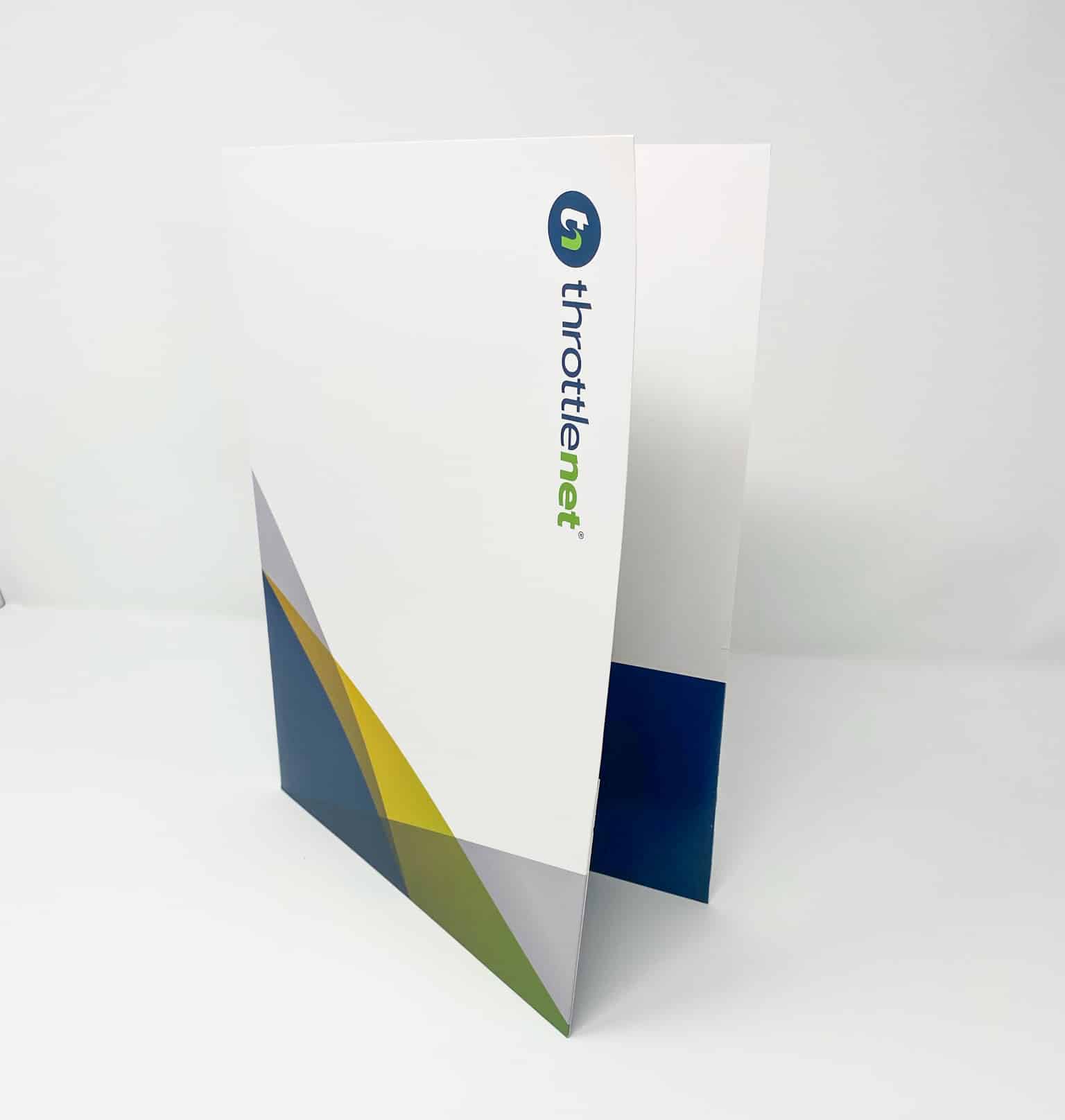
Printing for Less has versatile design options that are available to meet your marketing needs. We can print a standard size 9″ x 12″ folder or just about any custom size, thanks to our exact die cutting. Your folders can be printed on the outside with the inside either left blank or printed. Pocket folders have pockets on one or both sides to hold and organize your other printed marketing materials. The pockets can have slits to hold business cards or a mini-CD or DVD on one or both pockets. Special PMS or metallic inks with a dull or gloss spot varnish and UV coating can make your folder really stand out.
For a custom quote or to request free samples, call a Printing for Less Marketing Advisor at 800-924-2041 or place an order online now!
More Folder Options